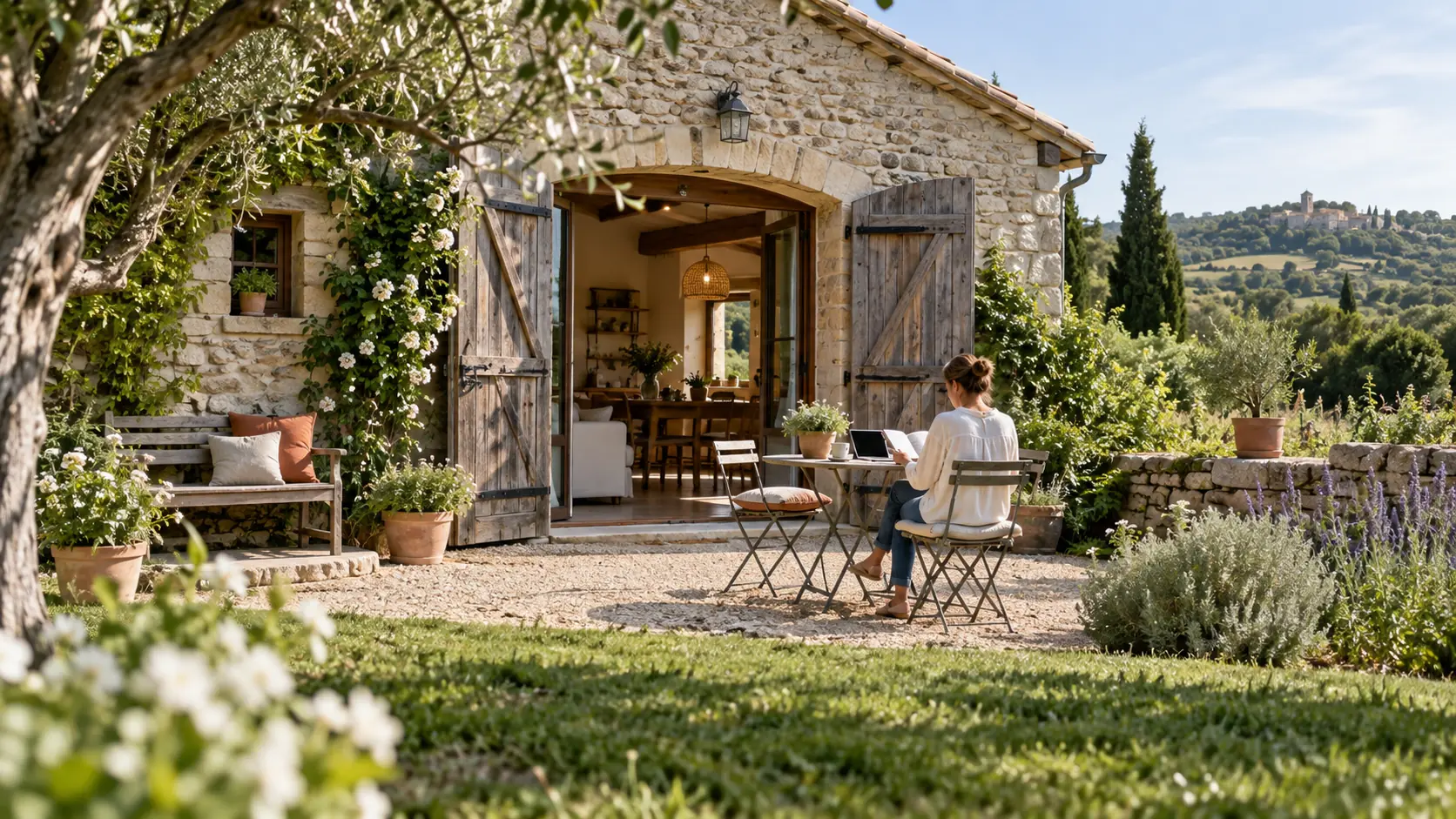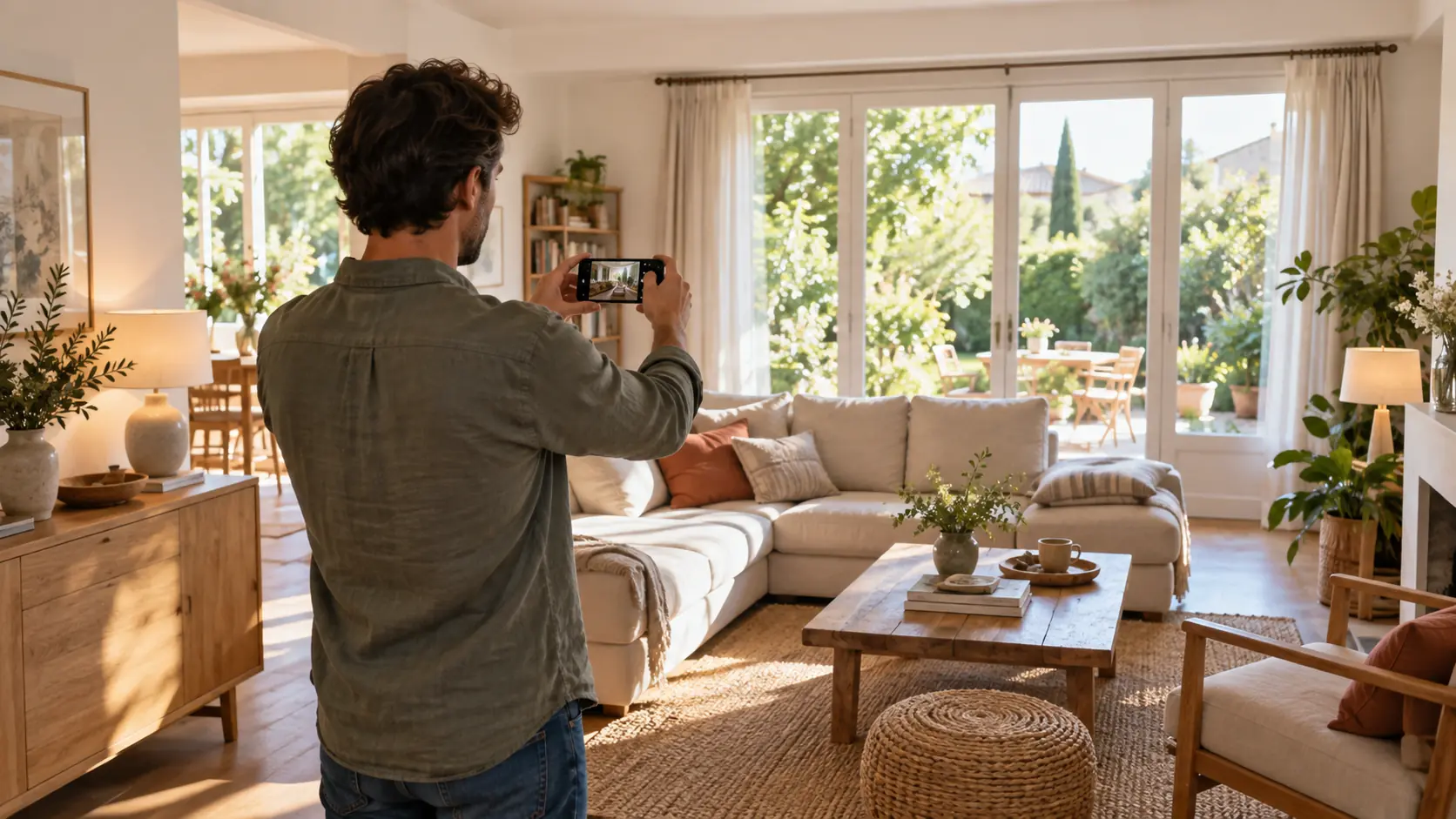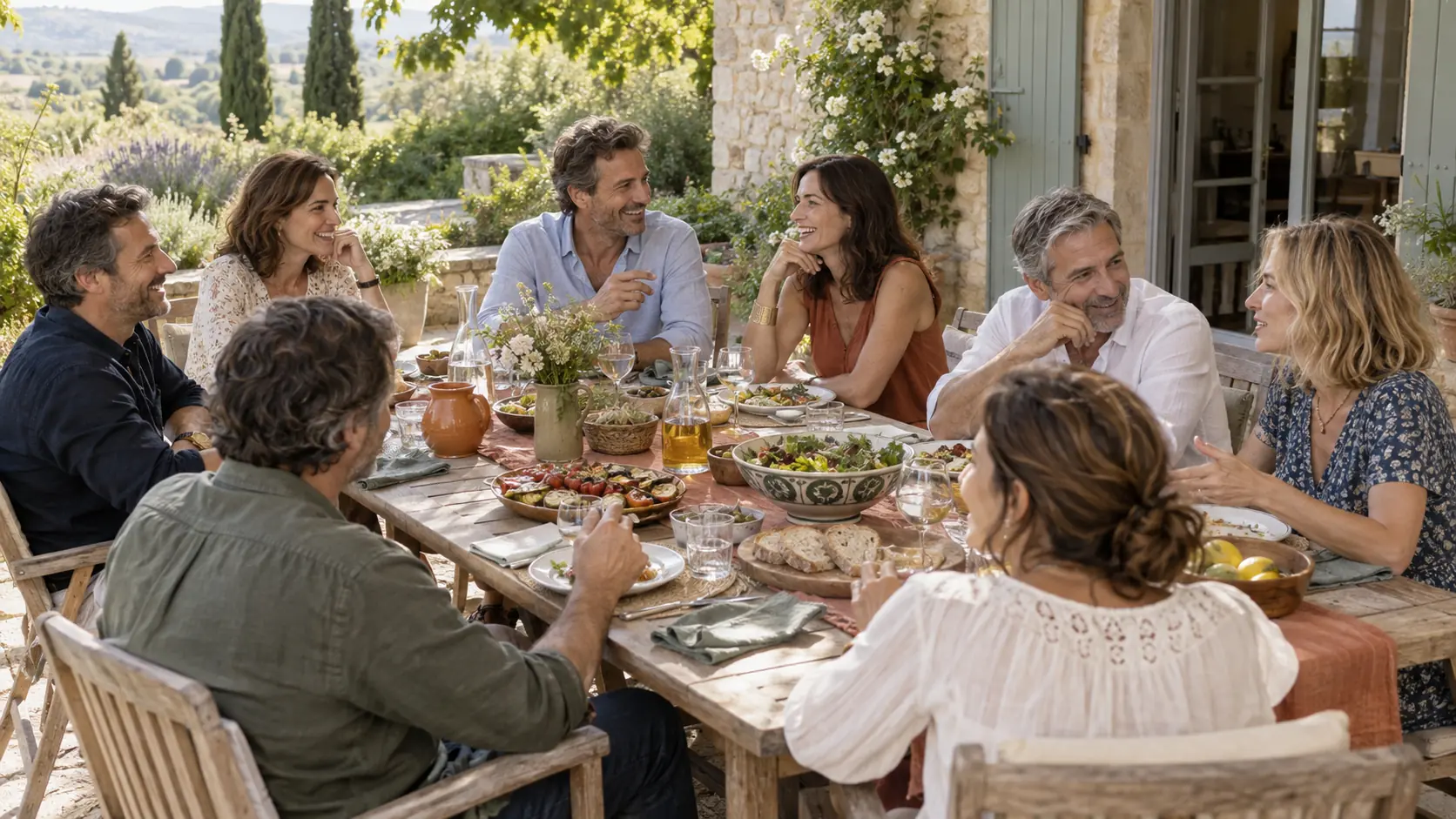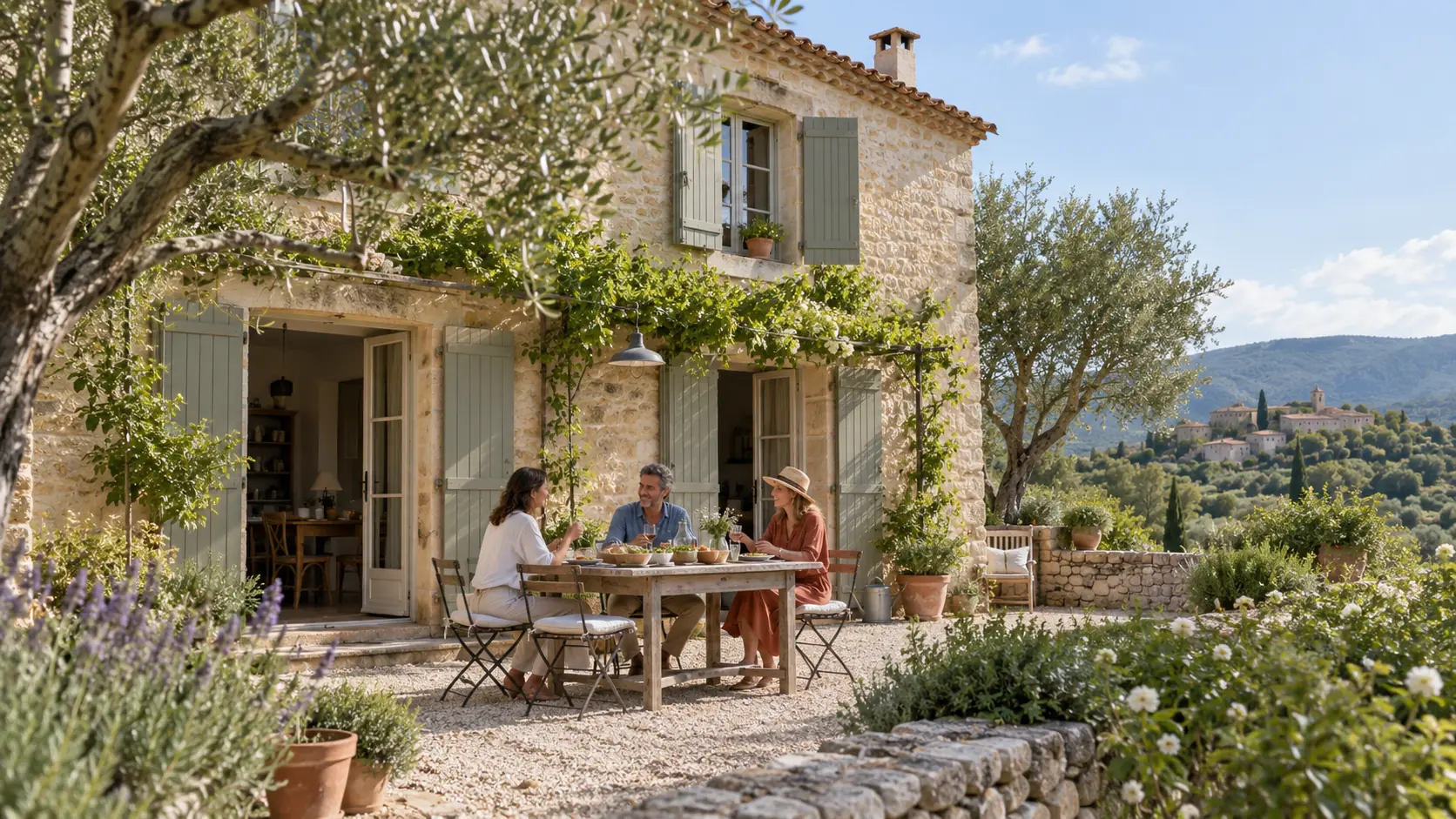

Kaza photos: present your home without exposing your private life
A photo can explain a room without revealing your personal life. Learn how to choose your images and keep sensitive details for the right conversation.
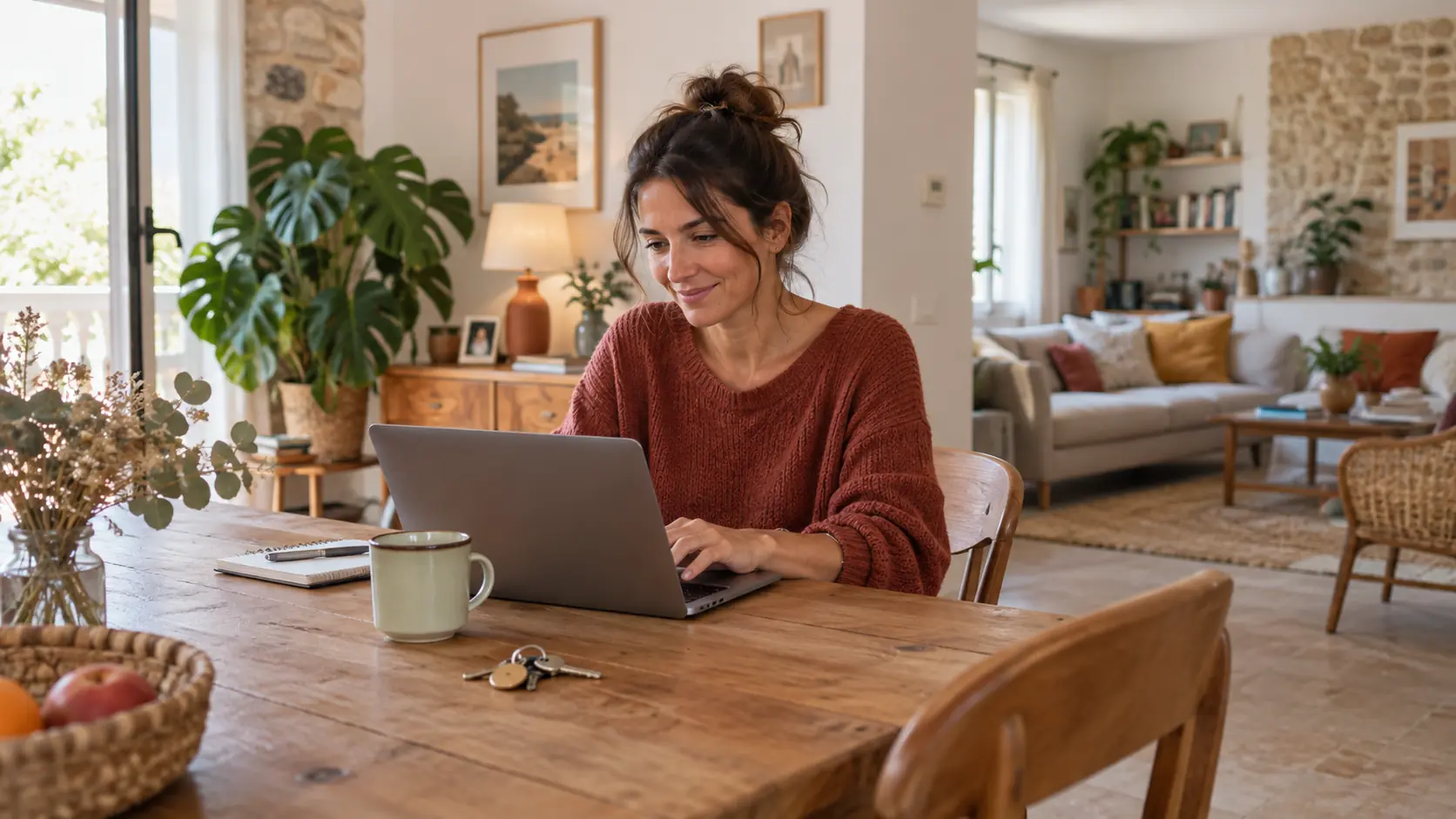
What this article covers
- Start with your guest’s questions
- Prepare the room before taking photos
- Check people and personal clues
To present your Kaza, show the spaces that matter for a stay and remove personal details from the frame: letters, screens, documents, portraits and access information. A few recent, accurate photos help people you know understand the home. They do not need to reveal your routines, accounts or where you keep your keys.
This does not mean making your home look impersonal. It means separating information that helps a guest picture their stay from details that belong in a private conversation. A room can feel welcoming without every detail being visible. Here is a method for choosing your images before sharing the listing, and reviewing them when the home changes.
Start with your guest’s questions
Before picking up your phone, list what someone needs to know: where they will sleep and eat, how they will move around, and which spaces they may use. An overview of the living room, a prepared bedroom and a clear view of the kitchen often tell more than a long sequence of decorative details. Choose each image for the information it provides.
Be accurate about the stay. If an office or bedroom remains private, avoid a photo suggesting it will be available. A step, narrow passage or unusual sleeping arrangement deserves a clear description. Privacy should not hide an important limitation: you can explain it without publishing personal information.
Prepare the room before taking photos
Walk around before you shoot. Put away envelopes, prescriptions, bills and work documents. Close screens and check notes on the fridge. Keep codes, identification labels and instructions for operating equipment or gaining access out of the frame. Then take a fresh photo rather than relying only on editing afterwards.
Look at reflective surfaces too. A window, mirror or dark screen can show another part of the room or someone outside the intended frame. Review the photo at a larger size: a detail that seemed insignificant on a phone may be readable on a computer. If you are uncertain about something, simplify the scene.
Check people and personal clues
Describing a home rarely requires showing the people who live there. Choose an empty room if a scene of everyday life adds nothing necessary. If someone is recognisable, ask for their agreement before sharing the image. Remember framed portraits, children’s names and family photographs visible in the background.
The French data protection authority, CNIL, explains how online information can be combined, even when a photo seems harmless. Its guidance encourages checking visible details and privacy settings. For your selection, ask a simple question: does this detail help my guest understand the stay? If it mainly reveals something about my personal life, it can stay out of the listing. This source is in French.
Keep sensitive instructions out of the gallery
A presentation photo and arrival instructions serve different purposes. A gallery can show the entrance without showing what is inside a key box. It can show a workspace without revealing login details. Keep access instructions and information needed for the stay for an appropriate exchange with the people concerned.
Your home welcome guide, available in French, can organise practical information, but do not photograph the whole document to illustrate the home. For internet access, also see how to prepare Wi-Fi without sharing your accounts. Choosing a welcoming image and providing access are separate decisions.
Review the selection as a new viewer
After choosing your images, take a few minutes to review them together. Separate photos can reveal more as a set than each one does alone. Also check the settings on your device and the application used to share them, particularly location settings. Do not assume a platform removes every piece of information associated with an image.
- Do the photos reflect the home’s current condition?
- Will the rooms shown actually be available?
- Is a document, face or sensitive detail still visible?
- Do captions explain useful limitations without exposing private information?
The French public service Cybermalveillance.gouv.fr recommends controlling what you publish and who can see it. A chosen circle supports trust, but a received image can still be copied or forwarded. Share only what is needed, including with people you know. The linked guidance is in French.
An example of showing enough
Imagine Alex is preparing a Kaza for a visit from a sister. The first living-room photo shows the sofa, but also letters and a family calendar. Alex puts them away and takes another photo. A general view of the entrance is enough; detailed instructions will be discussed later. The private bedroom stays out of the gallery, and its unavailability is explained.
The listing becomes clearer without losing its warmth. If sleeping arrangements or available rooms change, Alex can update the relevant images. This example is fictional: it illustrates a selection method, without suggesting a visual check removes every risk.
KazaKlub helps people organise home sharing within a private circle they choose. Discover how a Klub works, then sign up and prepare your first Klub with people you know. A thoughtful listing helps the conversation; dates, accessible spaces and the conditions of the stay still need agreement with the host.
Your next stay starts with your circle.
Create your account, bring your friends and family together and prepare your first request.
Every stay requires the host’s agreement.